Short answer: online chess lets children practise far more often, but set the account up for a child first: turn off chat with strangers, avoid real names and photos, agree time limits, and favour games with time to think over very fast games.
Set up before they play
- Lichess: turn on Kid mode in the account settings to switch off chat and messages from other players.
- Chess.com: turn off chat in the settings, or let younger children use ChessKid, a site made for children.
- Username: no real name, surname, school or birth year.
- Password: kept by the parent, and the account registered with a parent’s email.
Playing to actually improve
- Choose games with time to think, such as 10 minutes or more. Very fast games build the habit of moving without thinking.
- Review a game after playing it to find where it went wrong, rather than playing many games in a row.
- Solve a few puzzles a day to train pattern recognition.
- For young children, play known friends through a challenge link instead of random opponents.
Agree time limits
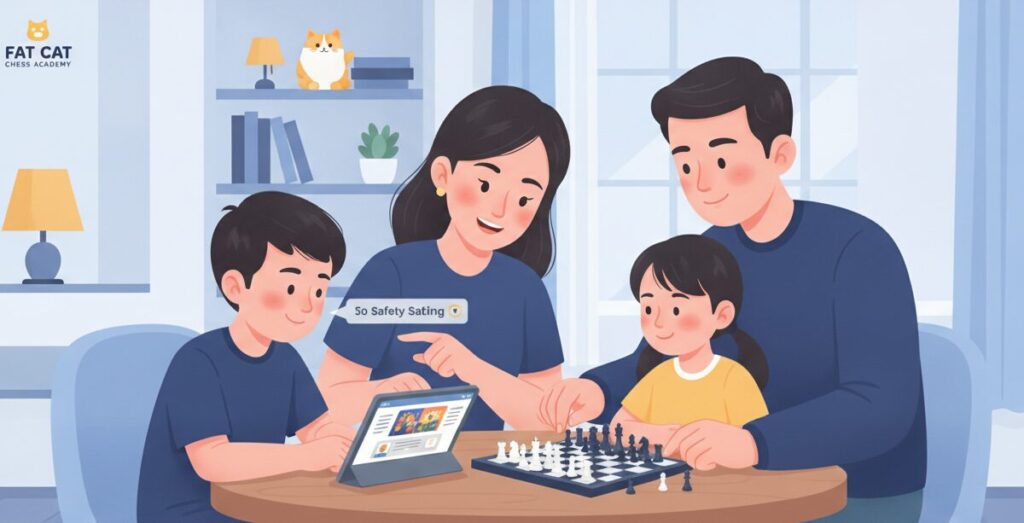
Agree up front how many games or minutes a day, and let them play where a parent can see. If they get upset after several losses in a row, take a break.
How Fat Cat uses online games
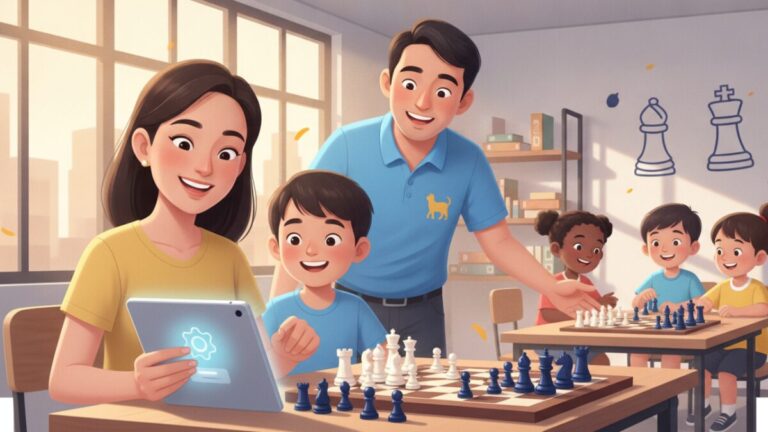
Our students practise on chess.com and lichess during the week, and coaches follow their practice games to see whether lessons are being put into practice. Ask us on LINE @fatcatacademy, or see chess classes for kids in Bangkok.
Frequently asked questions
Which online chess site is best for children?
Lichess is free and has a Kid mode that switches off chat. ChessKid is made for children. Both work well for kids when set up correctly.
Should children play fast games?
Beginners should play games with 10 minutes or more. Very fast games build the habit of moving without thinking.
How much online chess a day?
Agree a clear number of games or minutes, and stop when frustration builds. Short, frequent sessions beat one long one.